
iKlyukalo · iOS 18.4+ · watchOS 11.4+
Two buttons. Two klyuks. Zero reasons.
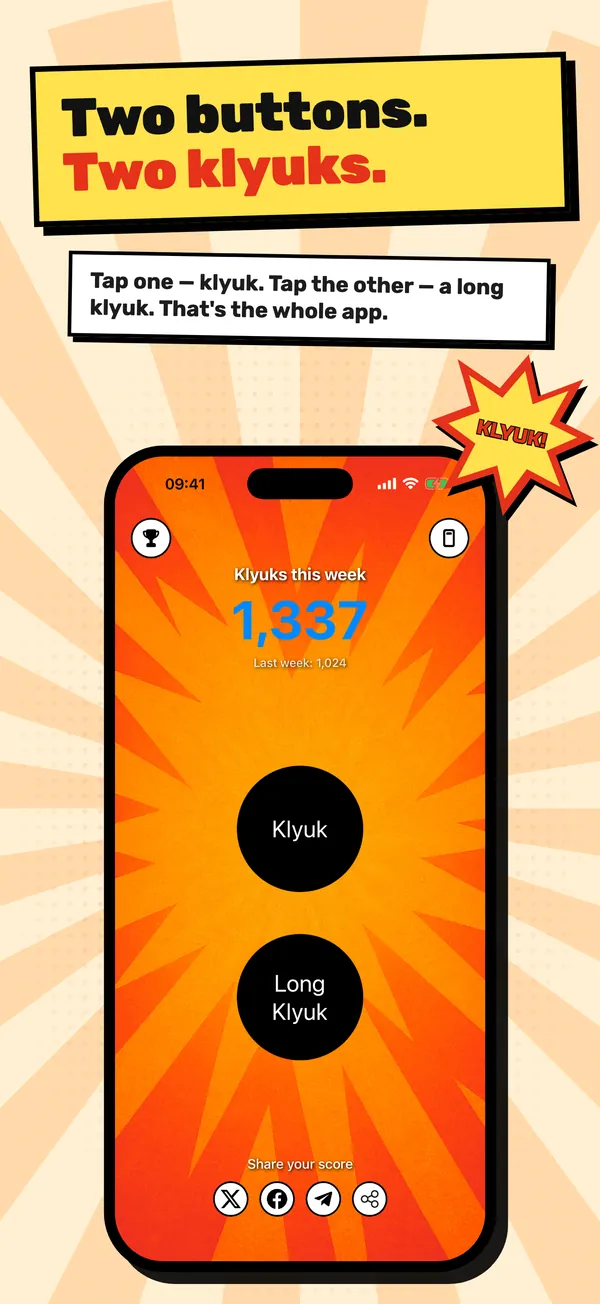
iKlyukalo is a pointless, deeply satisfying sound button for iPhone and Apple Watch. Tap one button for a klyuk, the other for a long klyuk, and watch the weekly counter climb. New in 2.0: klyuk from the Dynamic Island, unlock achievements and climb the Game Center leaderboard.
You might need this if…
- You want to press something. Not to achieve anything. Just to press it.
- Soundboard apps have a hundred buttons and ads; by the time you find the right sound, the joke is over.
- Your group chat has an inside joke that deserves its own button.
- You suspect you could out-tap your friends, and you want a leaderboard to prove it.
What iKlyukalo does
Klyuk and Long Klyuk
The short button plays one klyuk per tap. The long one is a toggle: tap to start an endless klyuk loop, tap again to stop. Every tap comes with a little haptic bump.
Klyuk from the Dynamic Island
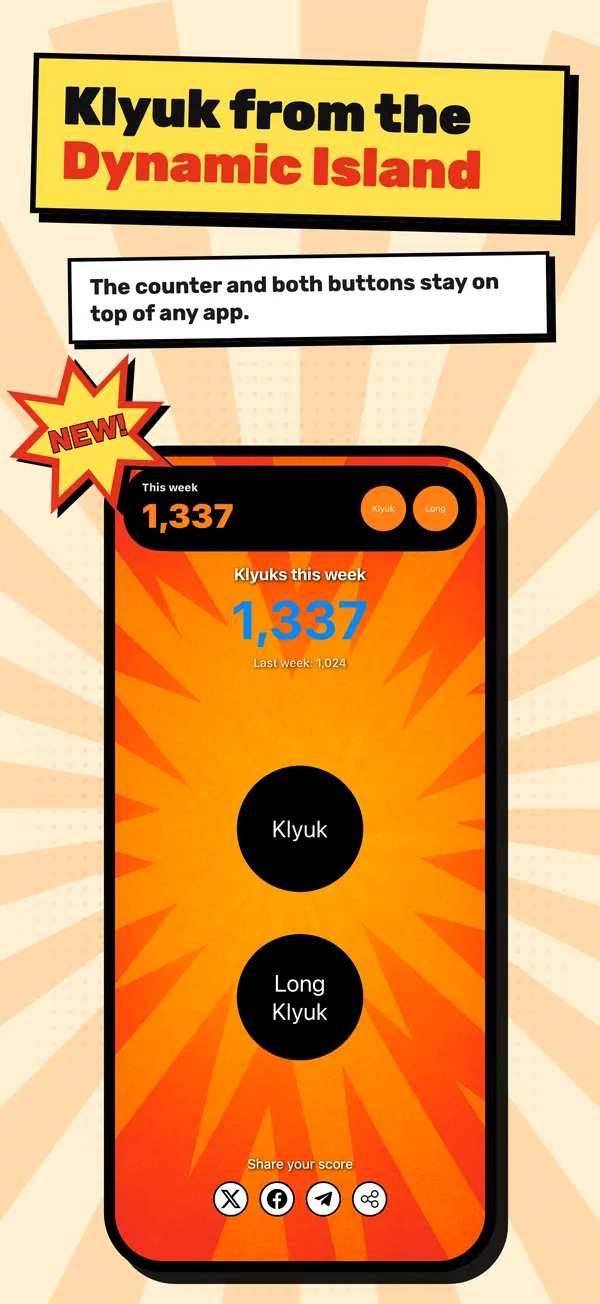
Turn on “Pin to Dynamic Island” and the counter plus both buttons stay in the island and on the Lock Screen, on top of any app.
Weekly counter
The main screen shows this week’s klyuks and last week’s total. On Monday morning a local notification delivers your weekly report.
14 achievements and Game Center
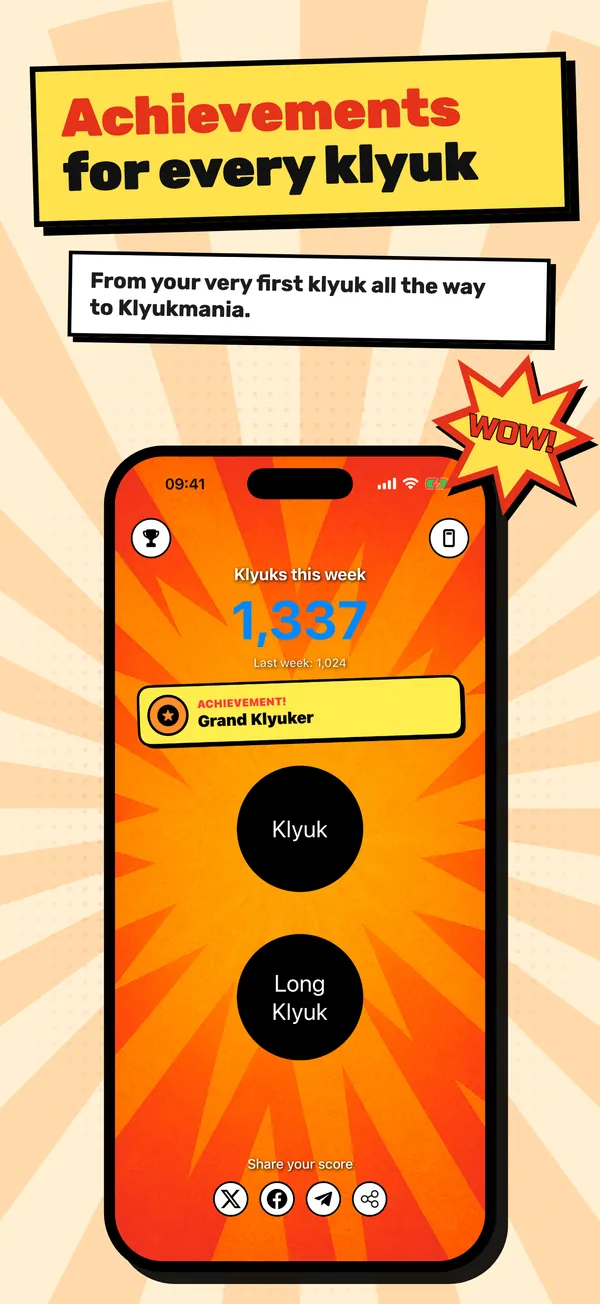
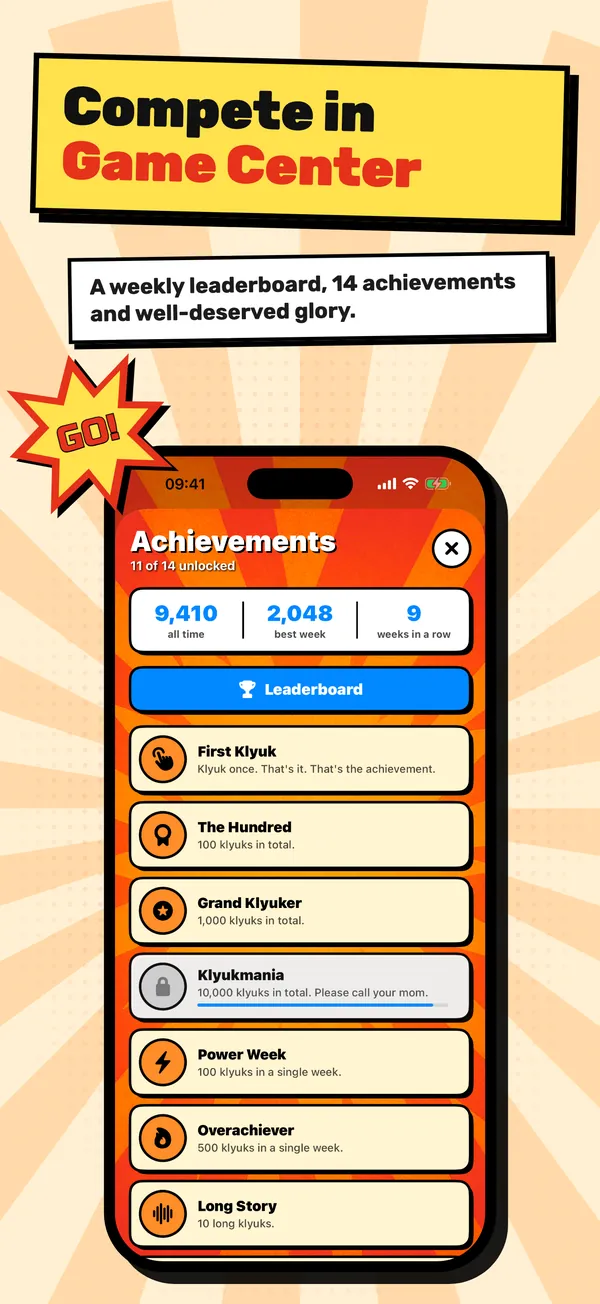
From First Klyuk to Klyukmania at 10,000 klyuks, plus streaks, night klyuks and wrist klyuks. Scores go to weekly and all-time Game Center leaderboards.
Siri, widgets and Apple Watch
“Klyuk in iKlyukalo”, “Long klyuk in iKlyukalo”, “How many klyuks in iKlyukalo”. Interactive Home Screen widgets play the sound without opening the app, and both buttons live on Apple Watch too.
What it costs
iKlyukalo is free. No ads, no subscriptions, no in-app purchases. Works on iPhone and iPad with iOS 18.4 or later, with a companion app for Apple Watch (watchOS 11.4+).
Download on theApp StoreFrequently asked questions
What is a klyuk?
It comes from a Russian army joke about a soldier who spends three days building a mysterious “klyukalo” in the workshop. When the general finally throws it into a lake, it sinks with a single sound: “klyuk”. The app is that sound, on demand.
What’s the difference between Klyuk and Long Klyuk?
Klyuk plays one short sound per tap. Long Klyuk turns on and off with a tap and loops while it is on; every repeat counts towards your total.
How do I klyuk from the Dynamic Island?
On the main screen, tap “Pin to Dynamic Island”. The counter and both buttons appear in the island and on the Lock Screen, and taps there count towards your total. Tap the same button to remove it.
How do achievements and the leaderboard work?
There are 14 achievements for total klyuks, long klyuks, weekly streaks, night klyuks, wrist klyuks and klyuks without opening the app. If you are signed in to Game Center, achievements and scores also go to the weekly and all-time leaderboards. Without Game Center, achievements still unlock inside the app.
Can I use Siri?
Yes. Say “Klyuk in iKlyukalo”, “Long klyuk in iKlyukalo” or “How many klyuks in iKlyukalo” — Siri plays the sound or tells you your score. The same actions are available in the Shortcuts app.
Does it work on Apple Watch?
Yes. The watch has both buttons and the weekly counter. Taps on the watch sync with the iPhone and add to the shared total.
Is it free? Are there ads?
Completely free, with no ads and no in-app purchases.
When does the counter reset?
The weekly counter resets at the start of each calendar week; last week’s total stays on screen. Achievements and the all-time count never reset.
Guides and articles
Shaggy dog stories and anti-jokes: what they are and why they work
A shaggy dog story is a long, rambling joke that builds toward a big payoff and deliberately ends in an anticlimax, such as a pointless punchline. An anti-joke does the same thing in one or two lines: it sets up a joke and then gives a flat, literal answer. In both, the missing punchline is the joke.
Read →Dynamic Island and Live Activities on iPhone: what they do and how to control them
The Dynamic Island is the pill-shaped area at the top of iPhone 14 Pro and later models that shows Live Activities: timers, music, directions, deliveries and scores that update in real time. Tap an activity to open its app, touch and hold to expand it, and turn it off per app in Settings > Apps > [app] > Live Activities.
Read →Harmless April Fools' pranks for coworkers and friends (and the rules that keep them harmless)
The best harmless April Fools' pranks are quick to undo, aimed at no one in particular and revealed within minutes: googly eyes on the office stapler, a "voice-activated" sign on the toaster, a changed display name on a video call, a mystery sound at dinner. Skip anything involving jobs, health, food tampering or someone else's devices.
Read →More apps

ISL: Looper & Song Sketches
8-track looper, guitar, accordion, pads, notes by ear, MIDI export

Sin Tracker
Seven sins, one calendar, zero motivational quotes

Honestly
510 questions, party mode with dares and AI questions

Orbita
Measure a ring on screen: US, UK, EU, JP sizes, offline

Trichrome
Nine colour puzzles: hidden numbers, hue order, gap ring

ISL Solfege
Solfege course: 72 lessons, intervals, dictation, rhythm, tab