
Negatone – Negative Scanner · iOS 17+
Scan old film negatives and slides with your iPhone
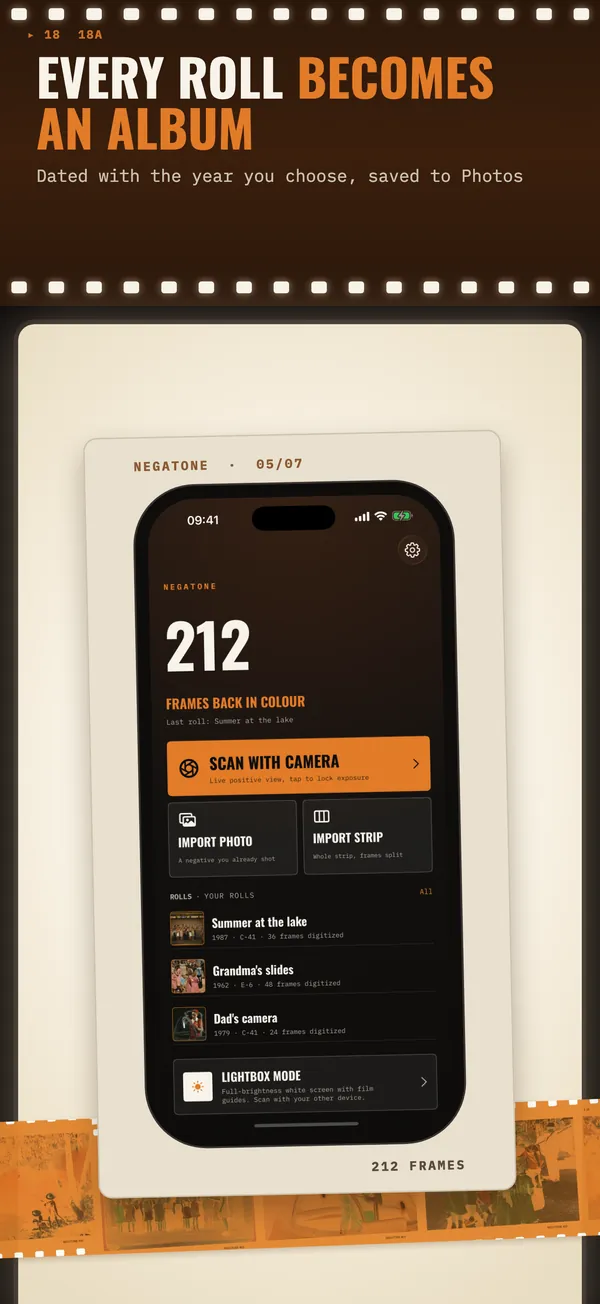
Negatone turns colour negatives, black-and-white negatives and slides into positive photos right in the camera view. Put the film on any bright screen, tap, and the frame lands in your Photos.
A shoebox of negatives nobody can see
- The prints faded or went missing years ago. All that is left are orange strips of film in envelopes from a photo lab.
- A lab charges per frame, and a box of 30 rolls adds up quickly. Flatbed scanners with film holders are slow and take up a desk.
- Scanner apps want a weekly or monthly subscription for a job you do once, over a few evenings.
- Simple “invert” filters turn colour negatives blue, and automatic cropping cuts off heads.
How Negatone handles it
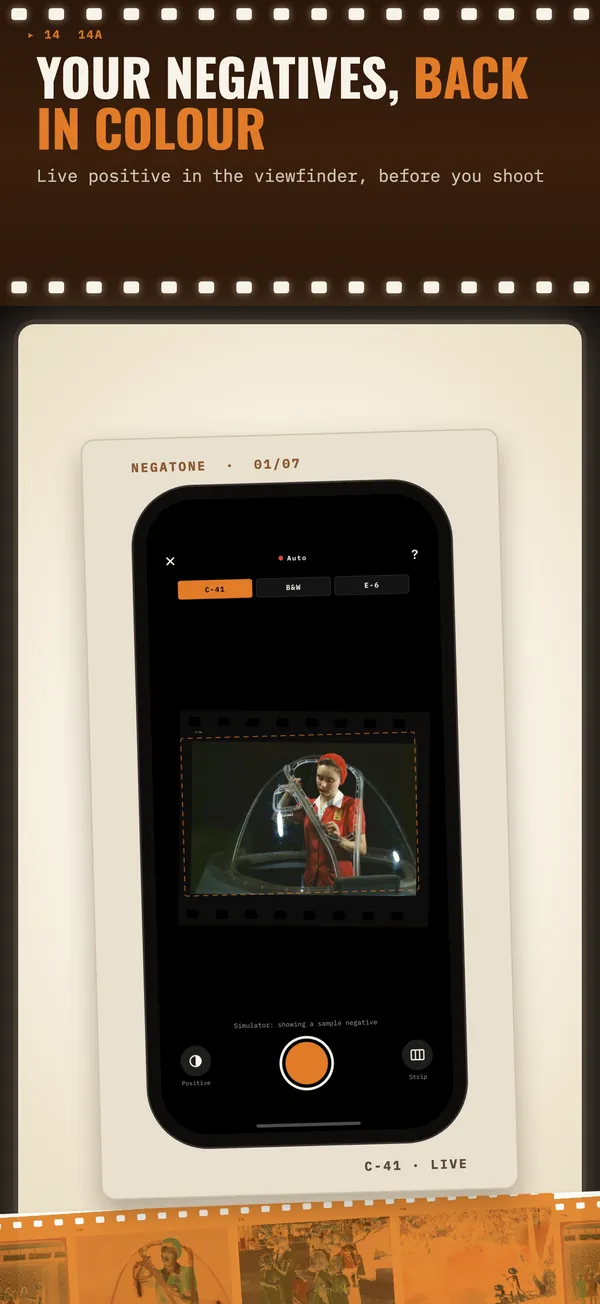
Live positive in the viewfinder
You see the corrected picture before you shoot, so framing and focus are easy even on a tiny 35 mm frame.
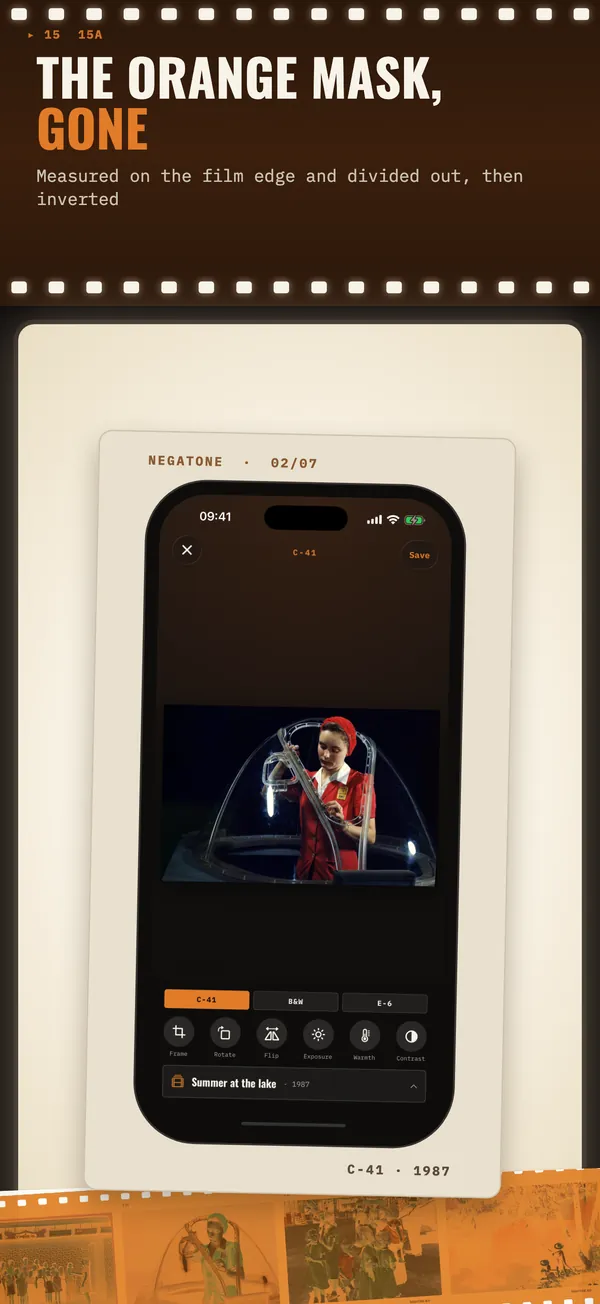
Orange mask removed properly
Negatone measures the blank film edge, divides out the mask and inverts in density space, then sets levels per colour channel.
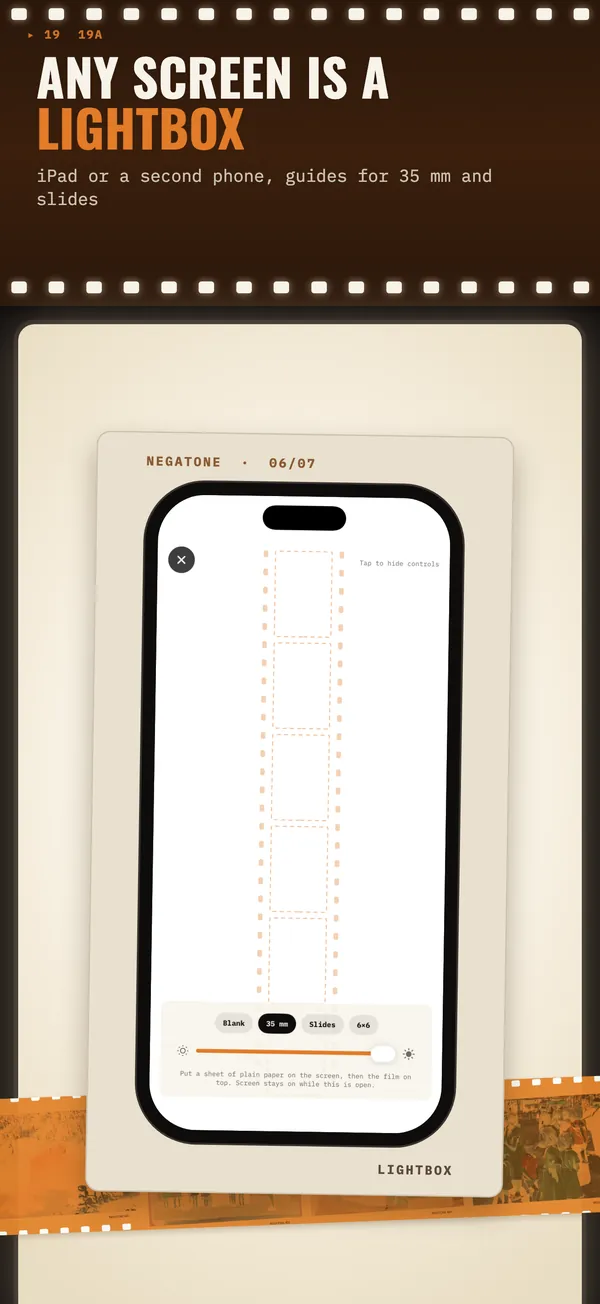
Any screen is a lightbox
A tablet, a laptop or a second phone at full brightness. On iPad, Lightbox mode keeps the screen on and draws guides for 35 mm, slides and 6×6.
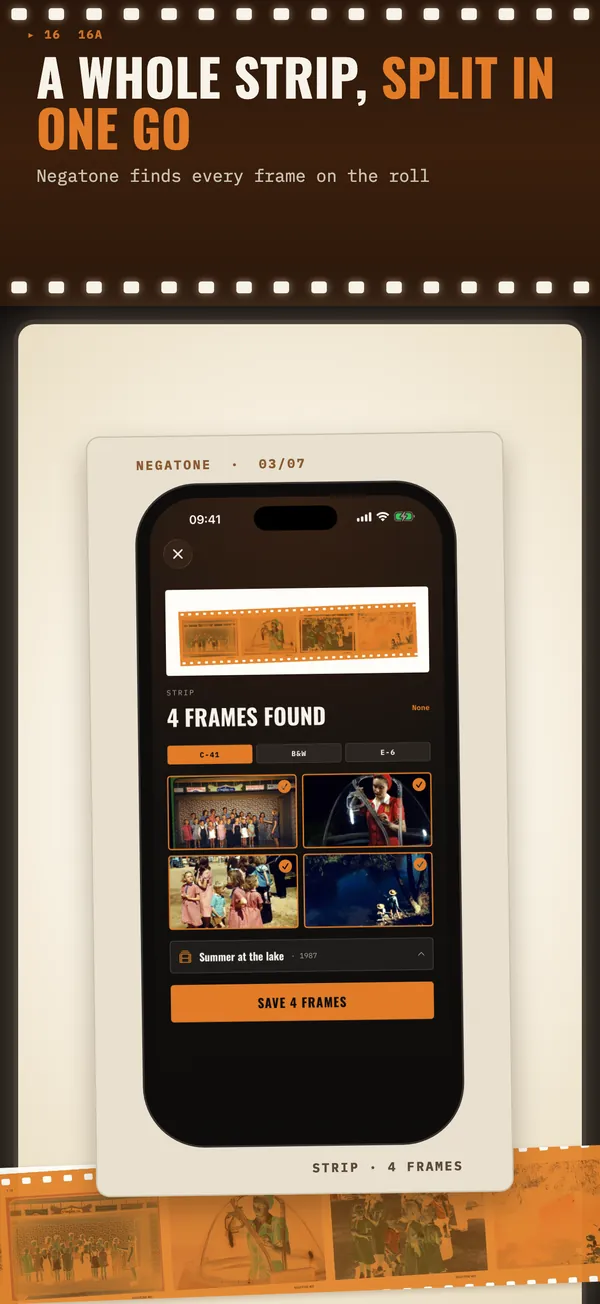
Whole strip at once (Pro)
Photograph a strip of film and Negatone finds the frames and splits them, ready to save in one go.
Your crop, not a guess
Automatic frame detection, with four draggable corners when you want it exact.
Rolls become albums
Each roll is saved as an album in Photos, dated with the year you choose. TIFF 16-bit export in Pro.
Price
Free to scan and preview, with 10 saved frames included. Negatone Pro is a one-time purchase of $2.99: unlimited saves, strip mode, 16-bit TIFF, lightbox guides and the widget. No subscription.
App StoreComing soon to the App StoreFrequently asked questions
Can I scan negatives with just my iPhone?
Yes. You need a bright, even light behind the film: a tablet or laptop screen with a white page, plus a sheet of paper to hide the pixel grid. Hold the iPhone 8–12 cm above the film and Negatone does the conversion.
Why do my negatives turn blue when I invert them?
Colour negatives have an orange mask. Inverting orange gives blue. Negatone removes the mask first by measuring the blank film edge, then inverts, so colours come out right.
Does it work with slides?
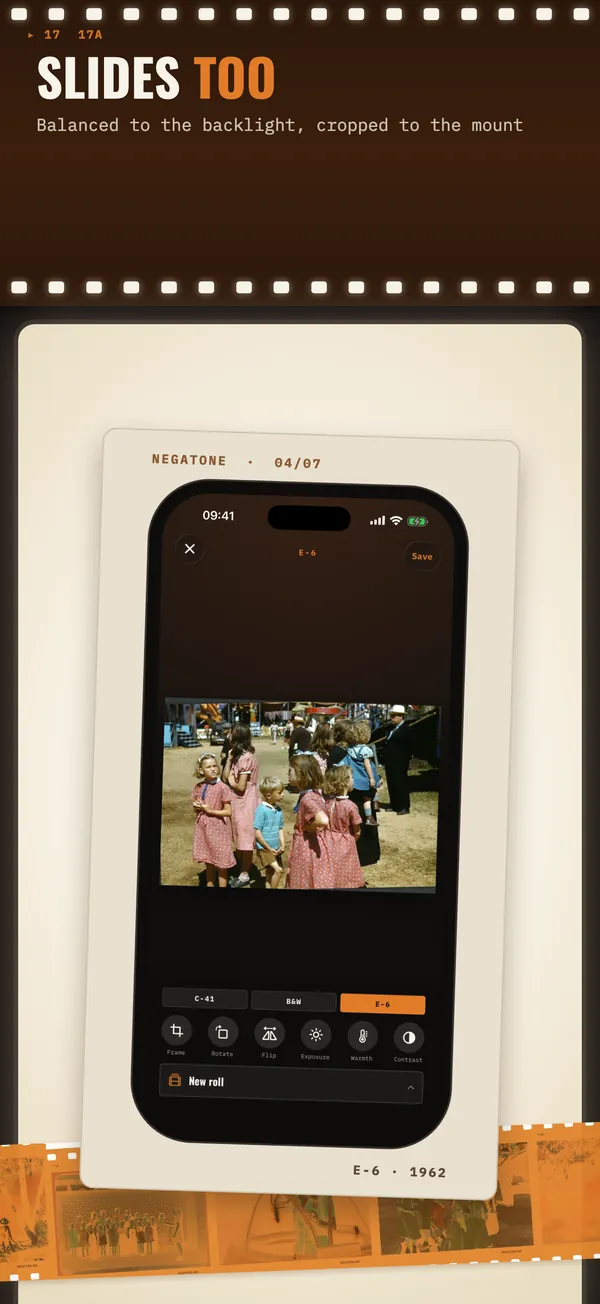
Yes. Choose Slide (E-6) and Negatone balances against the backlight and crops to the window of the mount. Slides are not inverted.
What about black-and-white film?
Choose B&W negative. The grey base is removed, the image is inverted and the result is saved in true greyscale.
Does Negatone remove dust and scratches?
No. Dust and scratches are not retouched. Blow the film off with a bulb blower before scanning for the cleanest result.
Is there a subscription?
No. Scanning and previewing are free with 10 saved frames. Negatone Pro is a single $2.99 purchase that unlocks everything for good.
Where do my scans go?
Into your Photos library, in an album named after the roll. Nothing is uploaded: there is no account and no server.
Does it work on iPad?
Yes. iPad can scan like an iPhone or act as the lightbox: full-brightness white screen that stays on, with guides for 35 mm, slides and 6×6.
Guides and articles
How to scan film negatives with your phone at home
Put a sheet of paper on a bright tablet screen, lay the negative on top, hold the phone 8–12 cm above and lock exposure on the blank film edge. Then remove the orange mask before inverting.
Read →Why colour negatives are orange, and how to remove the mask
The orange tint is a built-in mask that corrects impure cyan and magenta dyes. To scan a colour negative, divide out the colour of the blank film edge first, then invert; otherwise the orange becomes a blue cast.
Read →More apps
Firm Ground
Walk through a parent's home and find what could cause a fall
Kinfile
If something happens to you, your family knows what to do

Nightkit
CPAP replacement reminders on the Medicare schedule
Wink
Days left on your contact lenses, with timely reminders
PoolDose
Test numbers in, exact chlorine and pH doses out
Siphon Aqua
Days since your last water change, and a reminder for the next